How to Convert PNG to PDF with ModernPDF
Upload your PNG images
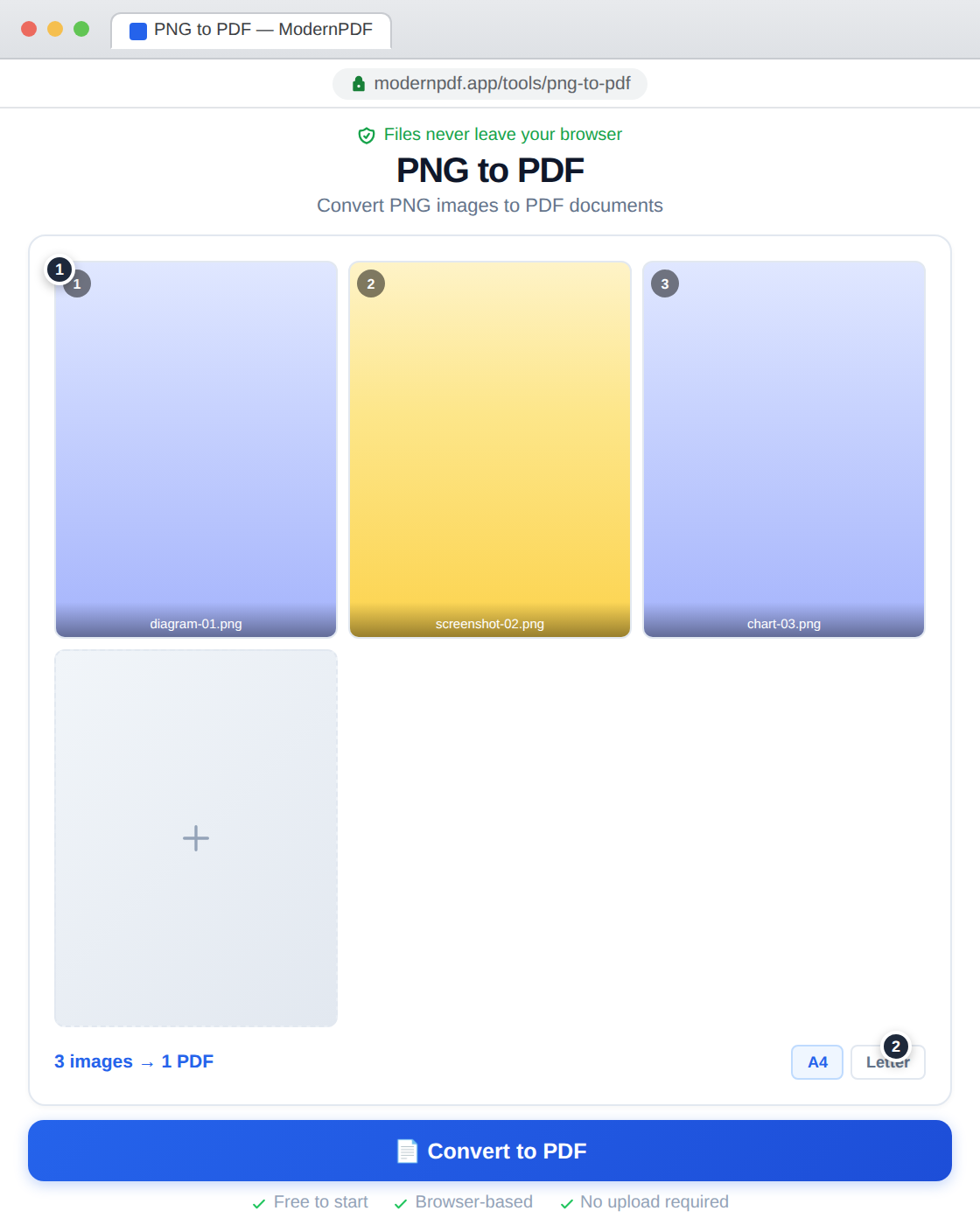
Drag PNG files into the tool or click to browse. Add multiple images to create a multi-page PDF.
Configure your output
Choose page size (A4, Letter, or auto-fit), orientation, and arrange images in your preferred order.
Create and download
Click "Create PDF" and download your document instantly.
Why PNG to PDF?
PNG is the preferred format for screenshots, diagrams, logos, and any graphic with sharp edges or text. Converting to PDF makes these images easy to share as documents, print with consistent layout, and combine into portfolios or reports.
PNG vs. JPG for PDF Conversion
PNG uses lossless compression, which means no quality is lost in the image data. This makes PNG ideal for screenshots, diagrams, text-heavy images, and graphics with sharp edges. JPG uses lossy compression, which makes files smaller but introduces artifacts — better for photographs where minor quality loss is invisible.
When converting to PDF, the original image format doesn't matter much since the PDF embeds the image data as-is. The difference is in the source quality: a PNG screenshot will look crisp in the PDF, while a heavily-compressed JPG photo might show artifacts.
Common Use Cases
Compiling screenshots into documentation. Creating PDF portfolios from design mockups. Converting scanned documents saved as PNG into proper PDFs. Assembling infographics or charts into shareable documents.
Frequently Asked Questions
Is transparency preserved?
Yes. PNG transparency is maintained when embedded in the PDF. Transparent areas render as white when printed or viewed in most PDF readers, which is typically the desired behavior for documents.
What's the difference between JPG to PDF and PNG to PDF?
PNG supports transparency and lossless compression, making it better for screenshots, logos, and graphics with sharp edges. JPG is better for photographs. Both tools produce the same PDF output — the difference is in what input formats they accept.
Can I combine PNG and JPG images in one PDF?
For mixed formats, use the JPG to PDF tool which accepts both JPG and PNG files in the same batch.