How to Convert JPG to PDF with ModernPDF
Upload your images
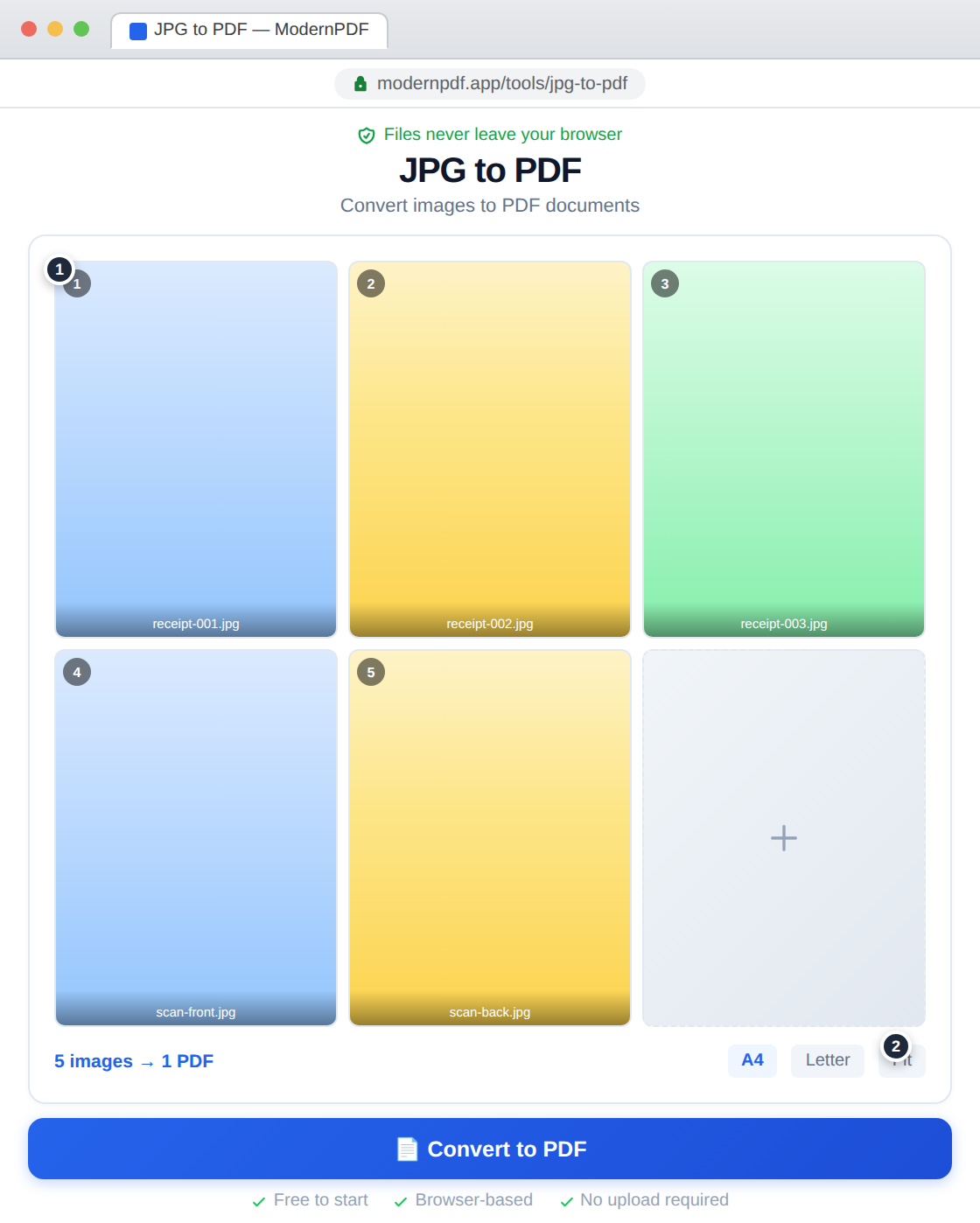
Drag JPG files into the tool or click to browse. Select multiple files at once — there's no limit on how many images you can include.
Arrange your images
Drag to reorder, remove any you don't need. Choose between A4, Letter, or auto-fit page sizes, and pick portrait or landscape orientation.
Create your PDF
Click "Create PDF" and your document is generated instantly. Download it and share it anywhere.
Why Convert Images to PDF?
PDF is the universal format for sharing documents. Converting your photos to PDF makes them easier to email, print with consistent layout, share across platforms, and archive. A PDF containing multiple images is also much more manageable than sending a folder of loose files.
Common Use Cases
Photographers converting proofs to a single portfolio PDF. Students compiling handwritten notes into one document. Businesses creating PDF catalogs from product photos. Anyone scanning receipts or documents with their phone camera and needing a proper PDF output.
Page Size and Layout Options
ModernPDF offers flexible layout controls. You can fit images to standard page sizes (A4, US Letter), or let the tool auto-detect the best dimensions based on each image's aspect ratio. Images can fill the entire page or be centered with margins.
Alternative Methods
Windows Print to PDF
Select images in File Explorer, right-click and choose Print, then pick "Microsoft Print to PDF." It works but offers limited control over page size, order, and quality.
macOS Preview
Open images in Preview, select all in the sidebar, and File → Export as PDF. Simple but only available on Mac.
Frequently Asked Questions
Can I combine multiple JPGs into one PDF?
Yes. Upload as many images as you need and arrange them in any order using drag-and-drop. All images are combined into a single, multi-page PDF document.
Will the image quality be preserved?
Yes. ModernPDF embeds your JPG images at their original resolution without recompression. What you see in the source file is exactly what appears in the PDF.
What image formats are supported?
The JPG to PDF tool accepts JPG, JPEG, and PNG files. If you have other formats like TIFF, BMP, or WebP, convert them to JPG or PNG first, or use ModernPDF's PNG to PDF tool.
Is there a limit to how many images I can convert?
There's no hard limit. Since processing happens in your browser, the practical limit depends on your device's memory. Most devices handle dozens of images without issue.